

Delete an email sending domain
You can delete a sending domain when it's not in use.
-
Go to Workspace settings > Email.
-
Click next to the domain you want to delete and select Delete domain.
You can’t select Delete domain while something still uses the domain. See Remove a domain from messages to find the messages that use the domain and update their addresses.
-
Enter the domain name and click Delete domain.
Customer.io deletes the domain and its from addresses, so you can’t use those addresses in messages anymore.
Remove a domain from messages
You can’t delete a domain while any of these use it:
- A message, including a draft, that sends from one of the domain’s addresses.
- A message, including a draft, that uses one of the domain’s addresses as its reply-to address.
- Your workspace’s default from address.
To find the messages that use the domain and update their addresses:
-
Go to Workspace settings > Email.
-
Click next to the domain and select View usage.
-
Click each message in the Usage section and change its from or reply-to address to one on a different sending domain. You can also delete the message instead.
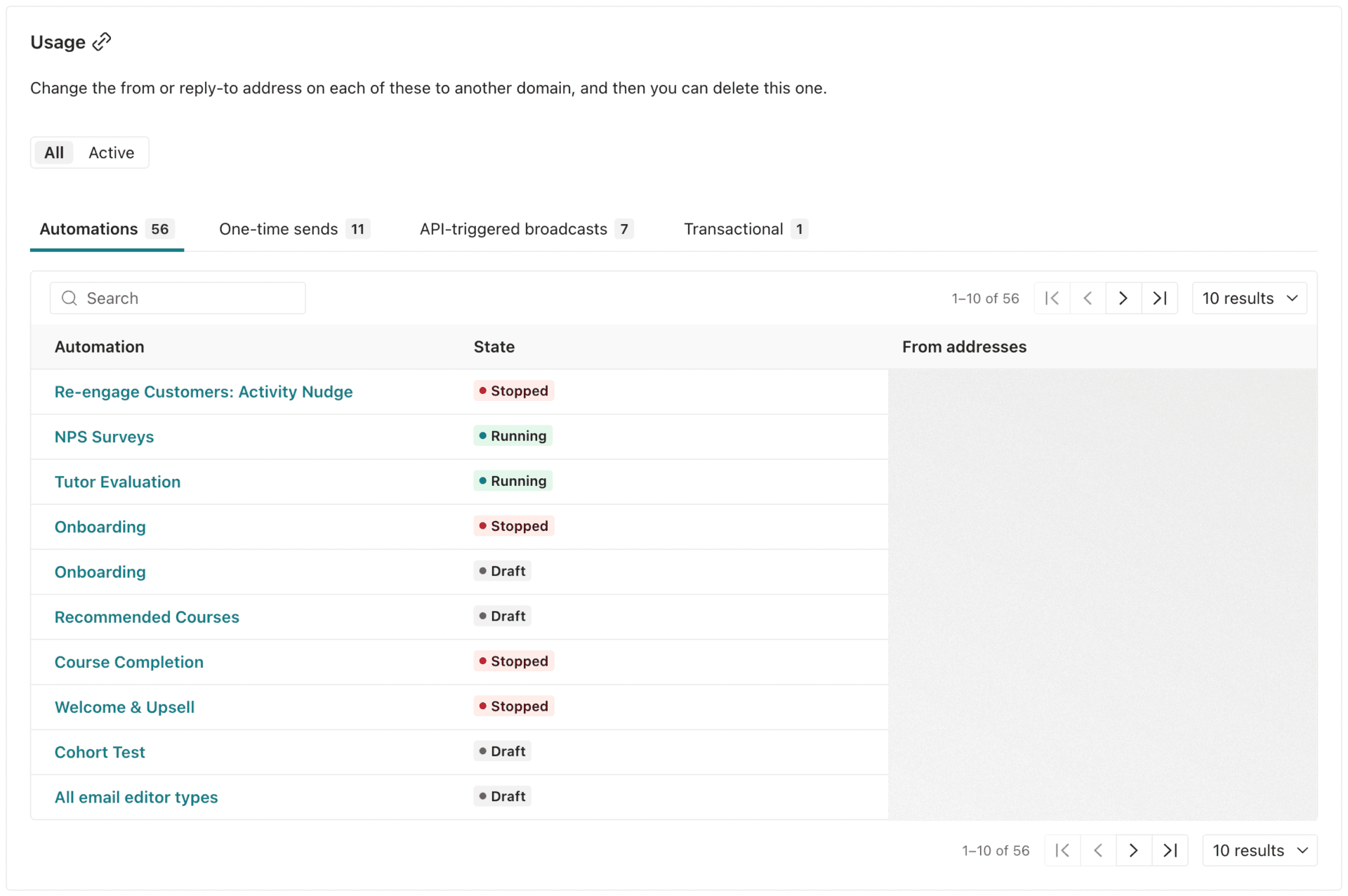
-
Click Edit email defaults and choose an address on a different domain if your default from address is on this one.
Select Unused above the list to see which domains you can delete. The filter appears when your workspace has more than 20 sending domains.
You can also check what uses a single address. Open the domain, click next to the address in the From addresses section, and select View all usage under From or Reply to.
View usage shows the messages set up to send from a domain. To see the emails that actually went out from it, filter Message activity by Sending domain.