Journeys Message Metrics Source
UpdatedHow it works
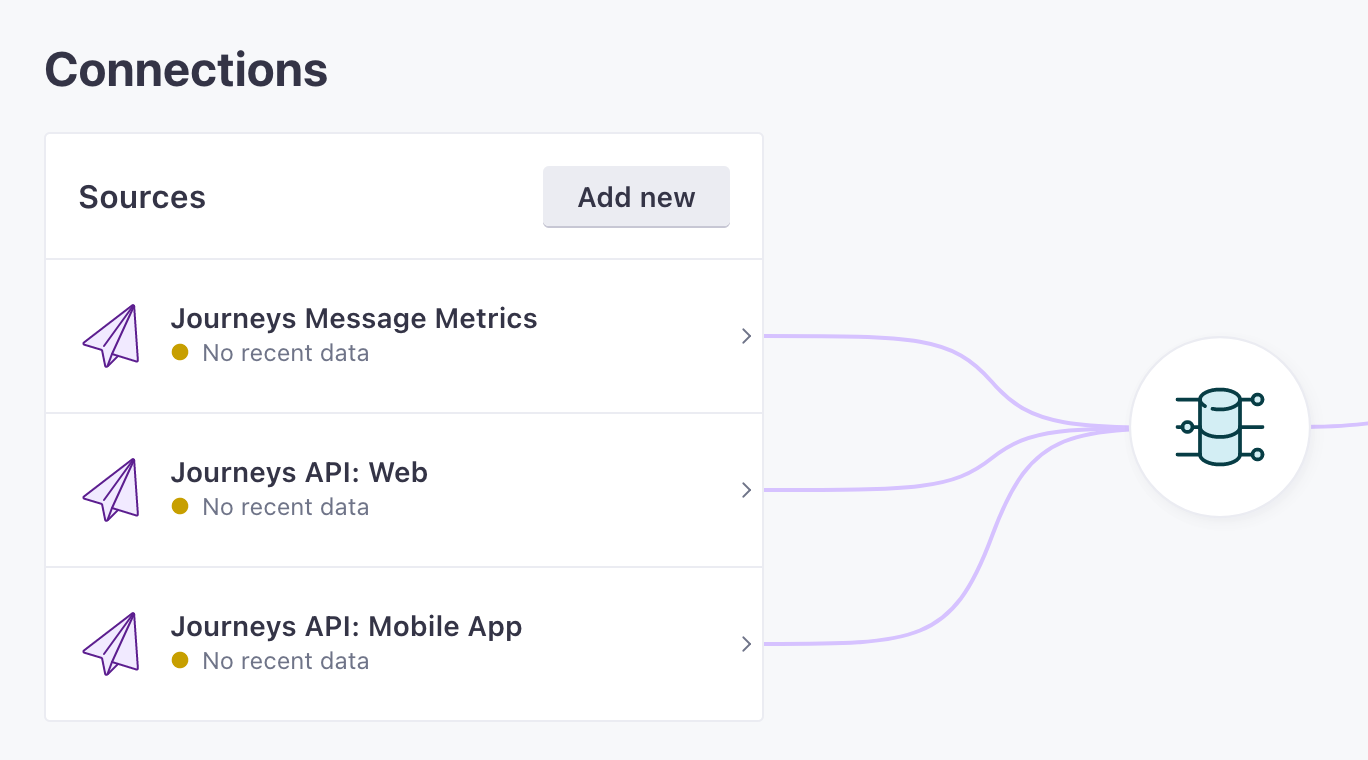
Customer.io automatically captures events relating to message activity—the messages you send, whether or not people open them, when people click them, and so on. So when you look at your integrations, you’ll see Customer.io (Workspaces) as a data source that you can connect to other services.
Treating incoming metrics as a source lets you send data to destinations that help you aggregate and analyze audience data, so you follow and chart how your audience reacts to different message channels in your marketing stack. And understanding our payload format helps you accurately map metrics from Customer.io to other platforms you might use to analyze your audience data.
What metrics do we send out of Customer.io?
See our semantic events specification for a complete list of the events, and properties, we send out of Customer.io.
Customer.io captures and sends the following semantic events downstream to your connected destinations:
| Channel | Events |
|---|---|
| Email Drafted, Email Attempted, Email Sent, Email Delivered, Email Opened, Email Link Clicked, Email Converted, Email Unsubscribed, Email Bounced, Email Suppressed, Email Marked as Spam, Email Failed | |
| Push | Push Drafted, Push Attempted, Push Sent, Push Delivered, Push Opened, Push Link Clicked, Push Converted, Push Bounced, Push Suppressed, Push Failed |
| SMS | SMS Drafted, SMS Attempted, SMS Sent, SMS Delivered, SMS Link Clicked, SMS Converted, SMS Bounced, SMS Failed |
| In-App | In-App Drafted, In-App Attempted, In-App Sent, In-App Opened, In-App Clicked, In-App Converted, In-App Failed |
| Webhook | Webhook Drafted, Webhook Attempted, Webhook Sent, Webhook Link Clicked, Webhook Converted, Webhook Failed |
| Slack | Slack Drafted, Slack Attempted, Slack Sent, Slack Link Clicked, Slack Failed |
| Subscription | Subscribed, Unsubscribed, Subscription Preferences Changed |
Metric Events
Customer.io metrics are sent as semantic track events—they look like any event you’d send to Customer.io using the track method, but they have a specific event name that combines the channel and metric—like Email Opened or Push Sent.
The properties object contains information about the customer, the message (delivery_id), the campaign, broadcast, or transactional ID the message originated from, and so on.
If you’re familiar with our reporting webhooks, you’ll notice this format is different. We send events to external platforms in a standardized track event format rather than the webhook payload format you might subscribe to directly from Customer.io.
Event Format
All metric events follow this structure:
| Field | Type | Required | Description |
|---|---|---|---|
type | string | Yes | Always track for metric events |
event | string | Yes | The event name (channel + metric, e.g., “Email Opened”, “Push Sent”) |
userId | string | No | The person’s identifier based on your workspace identifier type |
anonymousId | string | No | For multi-identifier workspaces, contains the person’s email |
messageId | string | Yes | Unique identifier for this event (from webhook event_id) |
timestamp | string (ISO 8601) | Yes | When the event occurred |
sentAt | string (ISO 8601) | Yes | When the event was sent to the destination |
receivedAt | string (ISO 8601) | No | When the destination received the event |
originalTimestamp | string (ISO 8601) | No | Original event timestamp |
context | object | No | Contextual information (may include person traits like email) |
properties | object | Yes | Event-specific properties (varies by channel and metric) |
Available Events
We send track events for all message lifecycle metrics across different channels:
- Email: Email Drafted, Email Attempted, Email Sent, Email Delivered, Email Opened, Email Link Clicked, Email Converted, Email Unsubscribed, Email Bounced, Email Suppressed, Email Marked as Spam, Email Failed
- Push: Push Drafted, Push Attempted, Push Sent, Push Delivered, Push Opened, Push Link Clicked, Push Converted, Push Bounced, Push Suppressed, Push Failed
- SMS: SMS Drafted, SMS Attempted, SMS Sent, SMS Delivered, SMS Link Clicked, SMS Converted, SMS Bounced, SMS Failed
- In-App: In-App Drafted, In-App Attempted, In-App Sent, In-App Opened, In-App Clicked, In-App Converted, In-App Failed
- Webhook: Webhook Drafted, Webhook Attempted, Webhook Sent, Webhook Link Clicked, Webhook Converted, Webhook Failed
- Slack: Slack Drafted, Slack Attempted, Slack Sent, Slack Link Clicked, Slack Failed
- Subscription: Subscribed, Unsubscribed, Subscription Preferences Changed
Common Properties
Most metric events include these common properties in the properties object:
| Property | Type | Description |
|---|---|---|
customer_id | string | The person’s customer ID |
delivery_id | string | Unique identifier for the message delivery |
action_id | integer | The action ID that sent the message (for campaigns and workflows) |
journey_id | integer | The workflow ID that sent the message |
parent_action_id | integer | The parent action ID (for split actions) |
campaign_id | integer | The campaign ID that sent the message |
broadcast_id | integer | The broadcast ID that sent the message |
newsletter_id | integer | The newsletter ID that sent the message |
transactional_message_id | integer | The transactional message ID that sent the message |
content_id | integer | The content ID of the message |
trigger_id | integer | The trigger ID for API-triggered broadcasts |
trigger_event_id | string | The event ID that triggered the campaign |
userId | string | A copy of the user identifier in the properties object |
Example: Email Opened Event
{
  "type": "track",
  "event": "Email Opened",
  "userId": "12345",
  "messageId": "01H8F21G9KK14JKX233RDFJCNM",
  "timestamp": "2023-08-22T16:42:55.003Z",
  "sentAt": "2023-08-22T16:42:57.739Z",
  "context": {
    "traits": {
      "email": "cool.person@example.com"
    }
  },
  "properties": {
    "customer_id": "12345",
    "delivery_id": "RKK4AwUAAYoeIC5PHMYd6-vTAYhWkQ==",
    "recipient": "cool.person@example.com",
    "subject": "Password reset request",
    "transactional_message_id": 8,
    "userId": "12345"
  },
  "receivedAt": "2023-08-22T16:42:57.742Z",
  "originalTimestamp": "2023-08-22T16:42:55.000Z"
}
Example: Push Sent Event
Push events include a recipients array that contains information about each device the push was sent to:
{
  "type": "track",
  "event": "Push Sent",
  "userId": "12345",
  "messageId": "01H8F21G9KK14JKX233RDFJCNM",
  "timestamp": "2023-08-22T16:42:55.003Z",
  "sentAt": "2023-08-22T16:42:57.739Z",
  "context": {
    "traits": {}
  },
  "properties": {
    "customer_id": "12345",
    "delivery_id": "dgS_ugcCBYUGhAYBlNIe87ANFfGw2QrqUUY1",
    "content_id": 1,
    "newsletter_id": 1,
    "recipients": [
      {
        "device_id": "123",
        "device_platform": "android"
      }
    ],
    "userId": "12345"
  },
  "receivedAt": "2023-08-22T16:42:57.742Z",
  "originalTimestamp": "2023-08-22T16:42:55.000Z"
}